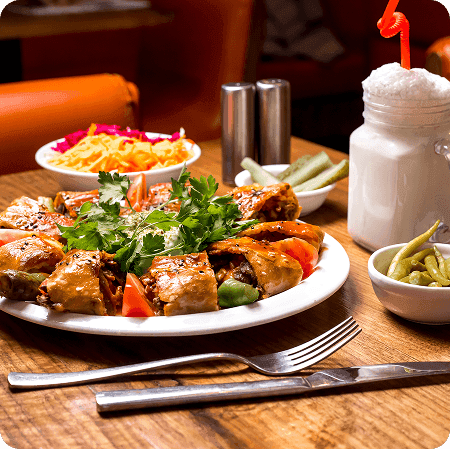
Reduce order encoding errors during peak periods
Feature
QR ordering
Guests scan, browse your live menu, and place orders instantly from their phone without downloading an app.
- No-app browser ordering with table QR codes
- Live availability updates for sold-out items
- Kitchen-ready tickets with modifiers and notes
- Smooth reorder flow for guests during service
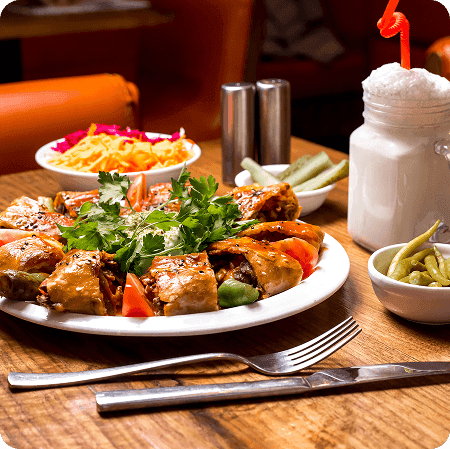
How QR ordering works
Every table gets a unique QR code connected to an active table session. Guests scan, browse your categories, and order directly from their phone in seconds.
As orders come in, the kitchen and floor team see the same real-time ticket details including modifiers like no onions, extra rice, or less ice.
What your team gets during rush hour
- Less shouting and fewer handwritten misreads
- Faster follow-up orders without waiting for a server
- One live source of truth for guest requests
Guest scans and orders instantlyBuilt for real dining room pressure
Dinecta is designed for weekend volume in Metro Manila, Cebu, and provincial dining spots where tables can turn quickly and team coordination matters.
Staff can still add or adjust orders from the dashboard when helping senior guests, large families, or corporate groups.
Service improvements you can feel
- Servers spend more time assisting, less time encoding
- Kitchen receives cleaner, complete order context
- Front-of-house tracks table progress without guesswork
Saturday dinner used to overwhelm our team. With QR ordering, we stopped missing add-ons and cut waiting time per table.
Why teams choose it
Serve more tables with fewer mistakes
QR ordering removes repetitive steps so your team can focus on hospitality.
Shorten ordering time for repeat and add-on items
Keep tickets complete with item notes and modifiers
Improve guest satisfaction with faster response time
QR ordering FAQ
Common questions from operators
Quick answers before you launch QR ordering in your store.
No. Guests order through their regular mobile browser after scanning the table code.